
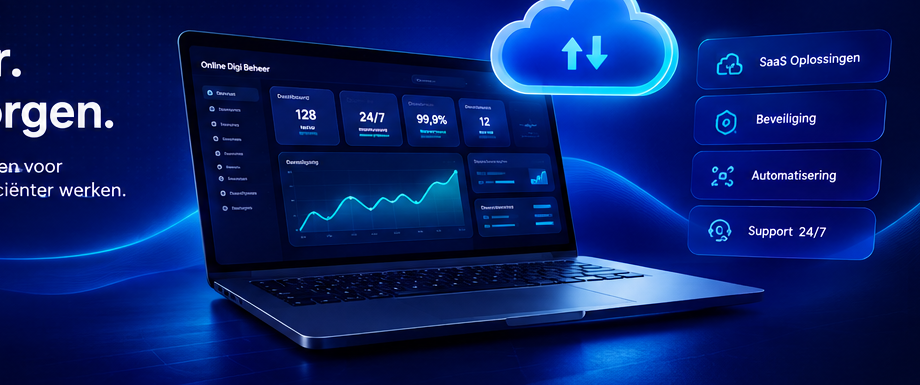
A digital workplace brings together applications, information and collaboration in a secure online working environment.
What is a digital workplace?
A digital workplace is a digital working environment in which employees have access to the applications, information and workflows they need every day. Instead of separate systems and different login routes, one logical entrance is created for work, communication and processes.
Why cloud software is central
Cloud software makes a digital workplace accessible from different devices and locations. Updates are arranged centrally and teams need to be less dependent on local installations. This supports hybrid working and makes management more transparent.
Integrations prevent duplication of work
A digital workplace mainly provides value when existing systems communicate well with each other. For example, API links can connect CRM, planning, documents, HR and financial software. Employees then have to manually copy data less often.
Security and access rights
A professional digital workplace uses clear roles and rights, secure authentication, logging and encrypted connections. Especially when employees work outside the office, access must be well protected without unnecessarily complicating the user experience.
A tailor-made workplace
Online Digi Beheer can design and develop a digital workplace that fits in with the processes and systems of the organization. We look at UX, integrations, security, management and the ability to add new features later.
How do you approach this practically?
A good result starts with a clear inventory. First identify which users will work with the solution, what actions they perform on a daily basis and what information they need. Then see which parts are really necessary for the first version and which functions can be added later. This way the scope remains manageable and it can be tested more quickly whether the solution works in practice.
It is then important not to treat design and technology separately. The user experience determines how easily people can work with the system, while the technical architecture determines how reliable and scalable the platform is. By designing these parts together from the start, you avoid costly adjustments when the product is already in use.
Finally, the period after go-live is also part of the plan. User feedback, new links, changing processes and security updates ensure that software continues to develop. Therefore, reserve space for monitoring, maintenance and a roadmap with improvements. This makes the investment more sustainable and prevents a platform from coming to a standstill after delivery.
Important points to note
- Determine in advance which processes and user roles are central.
- Make clear agreements about data, security, backups and access rights.
- Think early about API connections and systems with which data must be exchanged.
- Test key user flows before go-live with real-world scenarios.
- Work with a phased roadmap so that new features can be added in a manageable manner.
- Plan structural maintenance and further development instead of just a one-off delivery.
When is customization interesting?
Customization is especially interesting when standard software does not sufficiently match the organization’s working methods, when multiple systems have to work together or when the digital product itself is part of the revenue model. Customization can also add a lot of value to complex roles, specific dashboards or unique customer processes.
That doesn’t mean everything has to be built from scratch. Where possible, a strong solution combines proven components and existing services with customization where this is distinctive or necessary. This way, development remains efficient without the organization being limited by a standard package.
Frequently asked questions about Digital workplace: working smarter and more flexible
How long does an average journey take?
That depends on the size, integrations and desired functionality. An initial usable version can often be developed in phases, after which expansion takes place based on priority and feedback.
Can existing software be linked
In many cases yes. Existing systems can exchange data with a new platform via APIs, webhooks or other connections. The technical possibilities are examined in advance.
What happens after go-live?
After going live, the monitoring, support and further development phase begins. New features, optimizations and security updates can then be scheduled in a controlled manner.
Conclusion
Digital workplace: working smarter and more flexibly requires more than just a technical choice. The best results arise when strategy, user experience, technology, security and further development are treated as one whole. By starting small enough to learn quickly and at the same time choosing a scalable basis, you create software that is usable today and can continue to grow tomorrow.
Would you like to know more about the technical possibilities? Also view ourSaaS development services, read more aboutintegrations and API connectionsor contact us directly for a substantive introduction.
Discuss your SaaS idea
Would you like to know how this topic is applicable within your organization? Online Digi Beheer thinks along about strategy, UX, technology, integrations and further development.